Artificial intelligence is reshaping how businesses operate at an unprecedented pace. Nowhere is this more evident than within Microsoft Dynamics 365, where smart automation and advanced analytics are driving a new era of efficiency.
This guide is designed to help you unlock the full potential of dynamics 365 ai for your organisation in 2026. You will discover how AI-powered tools can streamline workflows, boost productivity, and give your team a competitive edge.
In the following sections, we will break down AI fundamentals, explore Copilot, walk through integration steps, share real-world examples, and highlight best practices. Get ready to transform your business with cutting-edge innovation and take the next step toward a smarter future.
Understanding AI in Dynamics 365: The 2026 Landscape
Artificial intelligence is reshaping how businesses use software, and dynamics 365 ai is at the forefront of this evolution. In 2026, AI in Dynamics 365 refers to embedded technologies like generative AI, automation, and intelligent analytics that enhance productivity across all business functions. Microsoft leverages Azure OpenAI Service, deploying advanced models such as GPT-4 and DALL-E, to provide powerful capabilities directly within Dynamics 365.
Adoption of these tools is growing rapidly. According to the Microsoft Work Trend Index, 77% of early Copilot users do not want to work without it. This high satisfaction reflects how Copilot and dynamics 365 ai are making everyday tasks easier and smarter.
Responsible AI is a core principle. Dynamics 365 ensures privacy and compliance by following strict Microsoft standards, so businesses can trust their data is protected. Key AI features include predictive analytics, workflow automation, content generation, and conversational chatbots.
For example, Copilot can instantly summarise sales opportunities, automate meeting preparations, and generate follow-up emails, saving significant time for sales teams. This is transforming workplaces by streamlining operations and empowering employees to focus on high-value tasks.
Looking ahead, expect even deeper AI integration across CRM, ERP, and industry-specific modules. Innovations highlighted in the 2025 Release Wave 2 for Dynamics 365 show a future filled with smarter, more connected business solutions. In 2026, dynamics 365 ai will be critical for businesses seeking efficiency, insight, and agility.

Key AI Features and Smart Solutions in Dynamics 365
Unlocking the full power of dynamics 365 ai means understanding both its innovative tools and the real-world impact for businesses. In 2026, AI-driven solutions are built right into daily workflows, helping teams work smarter, not harder.

Copilot and Generative AI Capabilities
Copilot is the AI-powered assistant at the heart of dynamics 365 ai. It is embedded directly into Dynamics 365, making it easy for users to access advanced capabilities without leaving their workflow.
- Copilot summarises records, drafts emails, and delivers instant insights.
- It automates repetitive tasks, like updating leads and tracking account news, saving valuable time.
- Seamless integration with Outlook, Teams, and Power Platform ensures information flows smoothly across your business.
- For example, sales teams can rely on Copilot to automatically update lead information and pull relevant news, preparing them for meetings in seconds.
- Powered by Azure OpenAI Service, Copilot uses models like GPT-4 for advanced content generation and data analysis.
- Microsoft’s Responsible AI standards and privacy compliance protect sensitive data and ensure ethical use.
- According to Microsoft, 77 percent of early Copilot users report not wanting to work without it, highlighting real productivity gains.
With dynamics 365 ai, Copilot transforms manual processes into intelligent, automated actions.
Industry-Specific Use Cases and Benefits
Dynamics 365 ai delivers value across sales, customer service, finance, supply chain, and marketing. Its AI-driven capabilities are reshaping how industries work.
- In finance, AI models forecast revenue trends and automate invoice processing.
- Customer service teams deploy smart chatbots that handle queries 24/7, increasing satisfaction rates.
- Marketing teams use generative AI to personalise campaigns and target the right customers.
- Predictive analytics help supply chain managers anticipate disruptions and optimise inventory.
- According to industry data, companies leveraging AI see higher customer satisfaction and revenue growth.
- AI also drives product and service innovation, boosting business agility.
- For enterprise-scale automation, AI automation for enterprises helps businesses scale their use of dynamics 365 ai, streamlining operations across departments.
As a result, dynamics 365 ai empowers businesses with smarter decisions, faster workflows, and a competitive edge in the digital landscape.
Step-by-Step Guide: Implementing AI in Dynamics 365
Unlocking the full power of dynamics 365 ai begins with a thoughtful, step-by-step approach. Follow these clear steps to bring smart automation and insights to your business.

1. Secure Your Azure Subscription and OpenAI Access
Start by ensuring your business has access to the right Microsoft cloud services.
- Visit the Azure portal and sign up for a subscription if you do not already have one.
- Request access to the Azure OpenAI Service, following Microsoft's application process for enterprise AI.
- Wait for approval, which usually takes a few days.
- Once approved, you can deploy AI features within your environment.
For example, a mid-sized retail company in Sydney recently completed this process to prepare for rolling out Copilot in their finance department. This first step lays a secure foundation for all dynamics 365 ai projects.
2. Select and Deploy the Right AI Models
Choosing the right AI model is crucial for meeting your business needs.
- Assess your requirements, such as text generation, image creation, or data analysis.
- Select pre-trained models like GPT-4 for language tasks or DALL-E for visual content.
- Deploy your chosen models directly via the Azure portal or Azure AI Foundry.
- Consider customising models for unique scenarios, though most businesses find out-of-the-box models robust.
For instance, a service company used GPT-4 to automate customer response emails, significantly improving response times.
3. Integrate AI Features into Existing Workflows
Seamless integration ensures dynamics 365 ai delivers real business value.
- Connect Copilot and other AI tools to modules like CRM or ERP.
- Follow detailed Dynamics 365 integration guide resources for step-by-step instructions.
- Automate tasks such as invoice processing and data entry to reduce manual workload.
- Invest in change management and train teams for a smooth transition.
A real-world example: a finance team automated repetitive invoice approvals, freeing staff to focus on analysis and customer service.
4. Monitor, Test, and Optimise AI Performance
Ongoing optimisation is essential for maximising outcomes from AI initiatives.
- Use Azure monitoring tools to track usage, performance, and costs.
- Regularly test AI outputs for accuracy, compliance, and effectiveness.
- Adjust prompts, workflows, and configurations based on feedback.
- Iterate improvements, such as refining sales summary prompts for better insights.
These steps help ensure your dynamics 365 ai deployment continues to deliver measurable business results as needs evolve.
Best Practices for Maximising AI Value in Dynamics 365
Maximising the value of dynamics 365 ai requires a strategic approach and ongoing attention to detail. As AI becomes central to business efficiency, following proven steps will help your teams extract maximum productivity and ROI.
Start with clear, specific prompts for generative AI tools. Vague or ambiguous instructions can lead to irrelevant or unusable outputs. For example, when asking Copilot to draft an email, specify the recipient, topic, and desired tone for better results.
Always provide context and examples within your prompts. The more information you give, the more relevant and accurate the dynamics 365 ai responses will be. This is especially important for complex tasks like report generation or customer communications.
Test multiple prompt variations to optimise outcomes. Small changes in phrasing can significantly impact the quality of AI-generated content. Encourage your team to experiment, compare outputs, and share best practices.
Regularly review AI outputs for accuracy, compliance, and ethical standards. Assign a team member to audit results, ensuring alignment with your organisation’s policies and Microsoft’s Responsible AI guidelines.
Invest in team training and change management. Upskilling staff on AI capabilities will boost confidence and drive smoother adoption. Consider using resources from AI solutions for business workflows to support ongoing education and integration.
Use analytics to measure productivity gains and cost savings. Track metrics such as task completion times, error rates, and customer satisfaction before and after implementing AI features.
A real-world example: A retail business noticed its AI chatbot was providing inconsistent answers. By refining prompts, adding sample queries, and reviewing outputs weekly, resolution rates increased by 28 percent and customer satisfaction improved.
Ready to take the next step? Book a free online consult with a Synap AI technologist for tailored guidance on boosting your dynamics 365 ai performance.
Integrating Secure, Local AI Solutions with Synap
Australian businesses using Dynamics 365 AI can now unlock local, secure automation with Synap. Synap specialises in integrating advanced AI solutions directly into Dynamics 365 AI workflows, ensuring seamless adoption and measurable results.
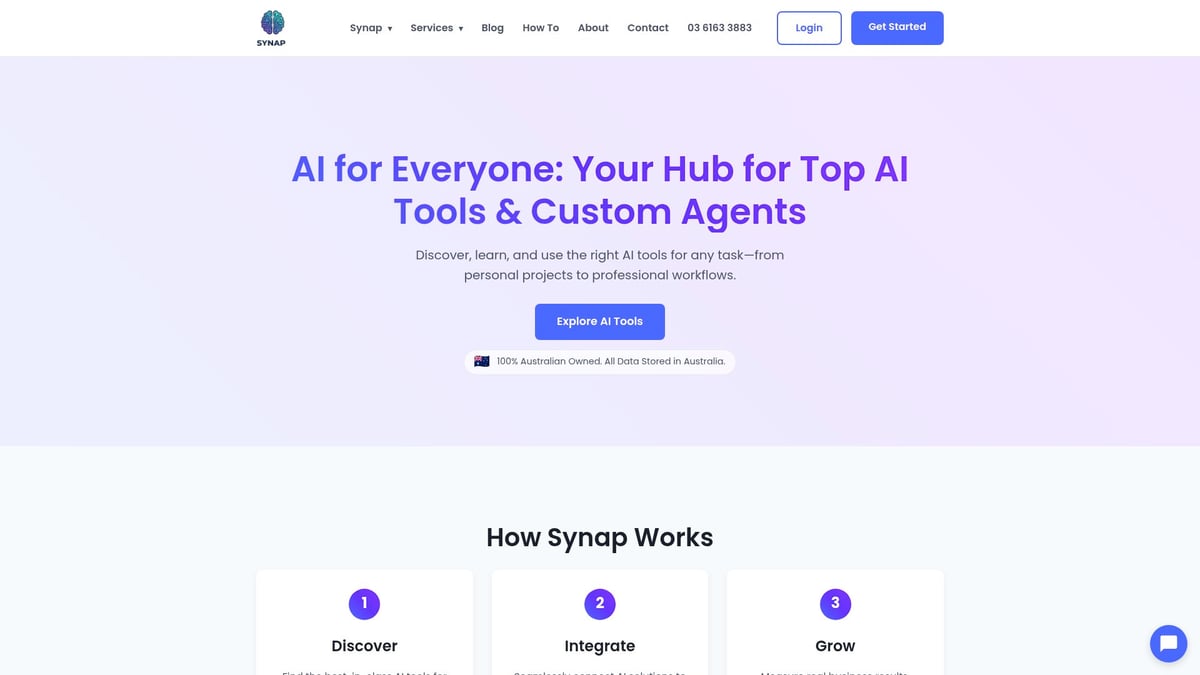
Data security and privacy are at the core of Synap’s platform. All solutions comply with Australian data sovereignty laws, so your business data stays protected and local. This commitment ensures peace of mind for organisations in regulated industries.
Synap’s AI agent platform brings intelligent automation to the forefront. Businesses can deploy private chat wrappers for Dynamics 365 AI, automate repetitive processes, and streamline reporting. This not only reduces manual effort but also boosts productivity across teams.
For example, a retail company recently used Synap’s analytic agents to automate data entry and generate instant reports inside Dynamics 365 AI. The result was a 40% reduction in admin time and faster decision making.
Integration is straightforward, with dedicated support throughout the process. To discover how Synap can tailor AI to your business, book a free online consult with a Synap AI technologist today.
Future Trends and What to Expect from Dynamics 365 AI in 2026
By 2026, dynamics 365 ai will deliver deeper automation, smarter analytics, and seamless integration across business functions. Expect industry-specific AI agents to become the norm, providing tailored solutions for sectors like retail, finance, and manufacturing. Microsoft is rapidly advancing natural language processing and predictive forecasting, as seen in the latest Azure OpenAI Service Updates.
Workflow automation will reach new heights, with Copilot expanding into more Dynamics 365 modules and third-party integrations. The Dynamics 365 Sales 2025 Features roadmap highlights ongoing innovation and responsible AI investment. Businesses using platforms like Synap will benefit from local AI agents that streamline data entry, automate compliance, and drive real-time insights.
To stay competitive, organisations should monitor these trends, invest in upskilling teams, and be ready to adopt new AI-powered features as they become available. For tailored advice on leveraging these advancements, book a free online consult with our AI technologist.
As we’ve explored, unlocking the power of AI in Dynamics 365 is all about combining smart technology with local expertise and secure solutions. If you’re looking to automate more, boost productivity, and ensure your data stays protected right here in Australia, Synap has the tools and tailored support to make your AI journey seamless. You don’t have to navigate these changes alone—we’re here to help you every step of the way. Ready to take the next step in transforming your business with intelligent automation and industry best practices? Join Now