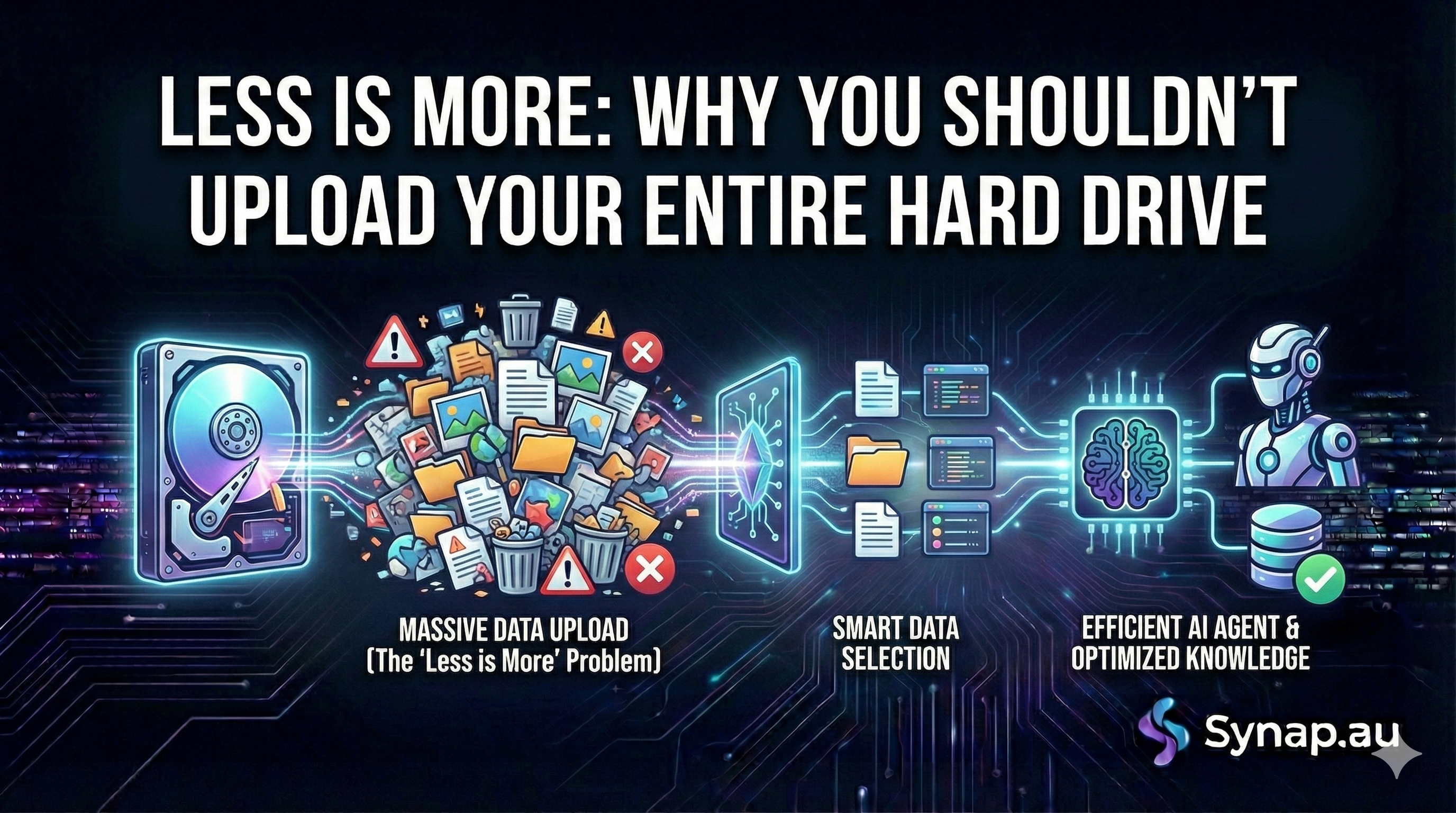
When you first sign up to Synap, the temptation is strong.
You see the "Upload Documents" button, and you think: "I want my agent to know everything about my business." So, you drag and drop your entire Google Drive—marketing assets, old meeting minutes, HR policies, and five years of financial reports.
It feels like the right thing to do. More data equals a smarter AI, right?
Actually, it’s usually the opposite.
Overloading your agent with irrelevant files is the fastest way to make it confused, slow, and prone to hallucinations. In the world of Custom AI, quality beats quantity every time.
Here is why you should put your agent on a data diet.
1. The "Needle in a Haystack" Problem
Imagine you hired a new receptionist. You want them to learn your Return Policy.
-
Scenario A: You hand them a single, clean one-page document titled "Return Policy 2025."
-
Scenario B: You dump a box of 5,000 random papers on their desk—containing old invoices, staff birthday emails, and drafts of policies from 2019—and say, "The answer is in there somewhere."
In Scenario B, your receptionist might find the answer. But they might also find a draft from 2020 that says returns are free, when your 2025 policy says there is a $10 fee.
AI works the same way. When you upload thousands of pages of "noise," you force the agent to sift through irrelevant data to find the answer. This increases the chance it will grab the wrong paragraph and give your customer bad information.
2. Conflicting "Truths"
Businesses evolve. Your prices change, your services update, and your office hours shift.
If you upload your entire historical archive to Synap, you likely have three or four versions of the "truth" sitting in your knowledge base.
-
File 1 (2022): "We are open Saturdays."
-
File 2 (2024): "We are closed Saturdays."
If a customer asks, "Are you open this weekend?", the AI looks at its database and sees two conflicting facts. It might guess correctly, or it might not. To fix this, you must be ruthless. Delete the old files. If it’s not true today, it shouldn't be in your agent’s brain.
3. The Security Risk (The "Payroll" Blunder)
This is the most critical reason to curate your data.
If you bulk-upload folders like "Internal Docs," you might accidentally include sensitive information—staff salaries, supplier wholesale costs, or internal strategy notes.
Smart users can sometimes trick AI agents into revealing this info. If a user asks, "What is the wholesale cost of this product?", and you uploaded a spreadsheet containing your margins, the agent might helpfuly tell them.
The Rule: Never upload a document to a public-facing agent that you wouldn't be comfortable emailing directly to a customer.
The Solution: Segmentation
Instead of building one "Super Agent" that knows everything, build specialised agents for specific jobs.
-
The Sales Agent: Only feed it pricing, product brochures, and case studies.
-
The Support Agent: Only feed it technical manuals and troubleshooting guides.
-
The HR Agent (Internal): Feed it the leave policy and employee handbook—but keep this one private!
Summary Checklist: What to Delete
Before you hit "Train," scan your Knowledge Base and delete:
-
❌ Duplicates: If you have
Policy_v1.pdfandPolicy_final.pdf, delete v1. -
❌ Meeting Minutes: Unless they contain specific facts you want referenced, these are usually just noise.
-
❌ Old News: Newsletters or updates from 2 years ago.
-
❌ Spreadsheets: Unless they are clearly formatted price lists, huge excel dumps often confuse the AI.
The Bottom Line: Your Synap agent wants to be smart. Help it out by giving it a clean, concise, and up-to-date playback to work from.
Time for a spring clean? Log in to your Synap dashboard and check your Knowledge Base today.