You’ve signed up to Synap, you’ve created your agent, and you’ve uploaded your company documents. You ask it a simple question, expecting a brilliant answer... but instead, it gives you something vague, or worse, completely incorrect.
Is the AI broken? Probably not.
Usually, the culprit is the data.
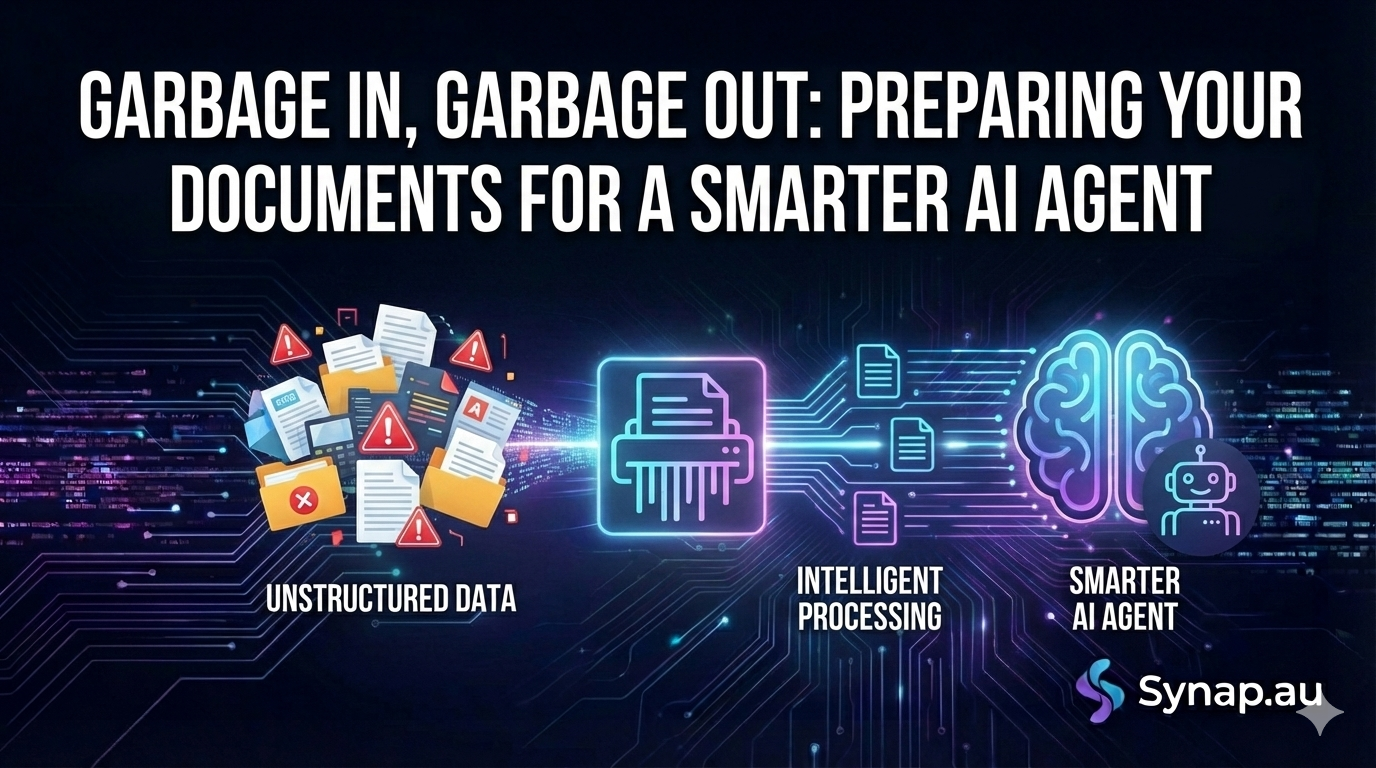
In the world of Artificial Intelligence, there is a golden rule: "Garbage In, Garbage Out." Your AI agent is only as smart as the information you feed it. If you upload messy, contradictory, or poorly formatted documents, the agent will struggle to "read" them, just like a human would.
If you want your Synap agent to be sharp, accurate, and helpful, you need to do a little housekeeping first. Here is how to prepare your documents for success.
1. Structure is King
Imagine reading a 50-page document that has no headings, no bold text, and no paragraphs—just a wall of words. You’d get lost pretty quickly, right? The AI feels the same way.
When your agent scans your documents to find an answer, it relies on structure to understand context.
-
Use clear headings: Ensure your documents use H1 and H2 headers (e.g., "Return Policy" or "Pricing Tiers").
-
Use bullet points: If you are listing steps or features, use bullet points rather than a long, winding sentence.
-
Avoid the "Wall of Text": Break your content up into logical sections.
The Fix: Before uploading a PDF, give it a quick scan. If you can’t easily find a specific section in 5 seconds, the AI might struggle too. Add some clear headings and re-save it.
2. The "Scanning" Trap
This is a common mistake. You have a printed manual from 1998, you scan it as an image, save it as a PDF, and upload it.
To a computer, a scanned image isn't text—it’s just a picture. Unless the PDF has been processed with OCR (Optical Character Recognition), the AI cannot read the words on the page. It just sees a blank image.
The Fix: distinct Always try to use "digital-native" files (Word docs converted to PDF, or text files). If you must use a scan, ensure you can highlight and copy the text with your mouse. If you can’t highlight the text, the AI can’t read it.
3. Prune the History
Does your "Knowledge Base" folder contain Sales_Script_2022.pdf, Sales_Script_2023.pdf, and Sales_Script_FINAL_v2.pdf?
If you upload all three, you are confusing your agent. If a customer asks for the price, the agent might pull the 2022 price from one document and the 2024 terms from another.
The Fix: Be ruthless. Only upload the current truth. If a policy is outdated, do not upload it to Synap. If you have a document that contains both old and new info, delete the old sections before uploading.
4. Q&A Formats work best
AI agents are chat-based. They are designed to answer questions. Therefore, the best training data often looks like a Q&A script.
If you have a dry, technical manual, the AI has to work hard to interpret it. But if you have an "FAQ" document, the AI loves it because the format matches the user's intent perfectly.
The Fix: If you have a complex topic, consider writing a simple FAQ document specifically for the bot.
-
Question: How do I reset the device?
-
Answer: To reset, hold the red button for 5 seconds.
Uploading this simple text file into Synap will often give you better results than a 50-page technical manual.
5. Jargon and Acronyms
Your internal team might know that "The PJ-500" refers to the "Project Jupiter 500 Dashboard," but your customers (and your AI) might not.
If your documents are full of unexplained internal slang or acronyms, the AI won't know how to explain them to a customer.
The Fix: In your documents, try to write out the full names of products or services at least once. Or, simply add a small text file to your agent’s knowledge base called "Glossary.txt" that defines your internal terms.
Summary
Building a great AI agent isn't just about the software; it's about the context you provide.
Taking 20 minutes to organise, format, and clean up your documents before you upload them to Synap will save you hours of troubleshooting later. It’s the difference between a chatbot that says "I'm not sure" and one that closes sales for you.
Ready to tidy up? Log in to your Synap dashboard and review your Knowledge Base today.