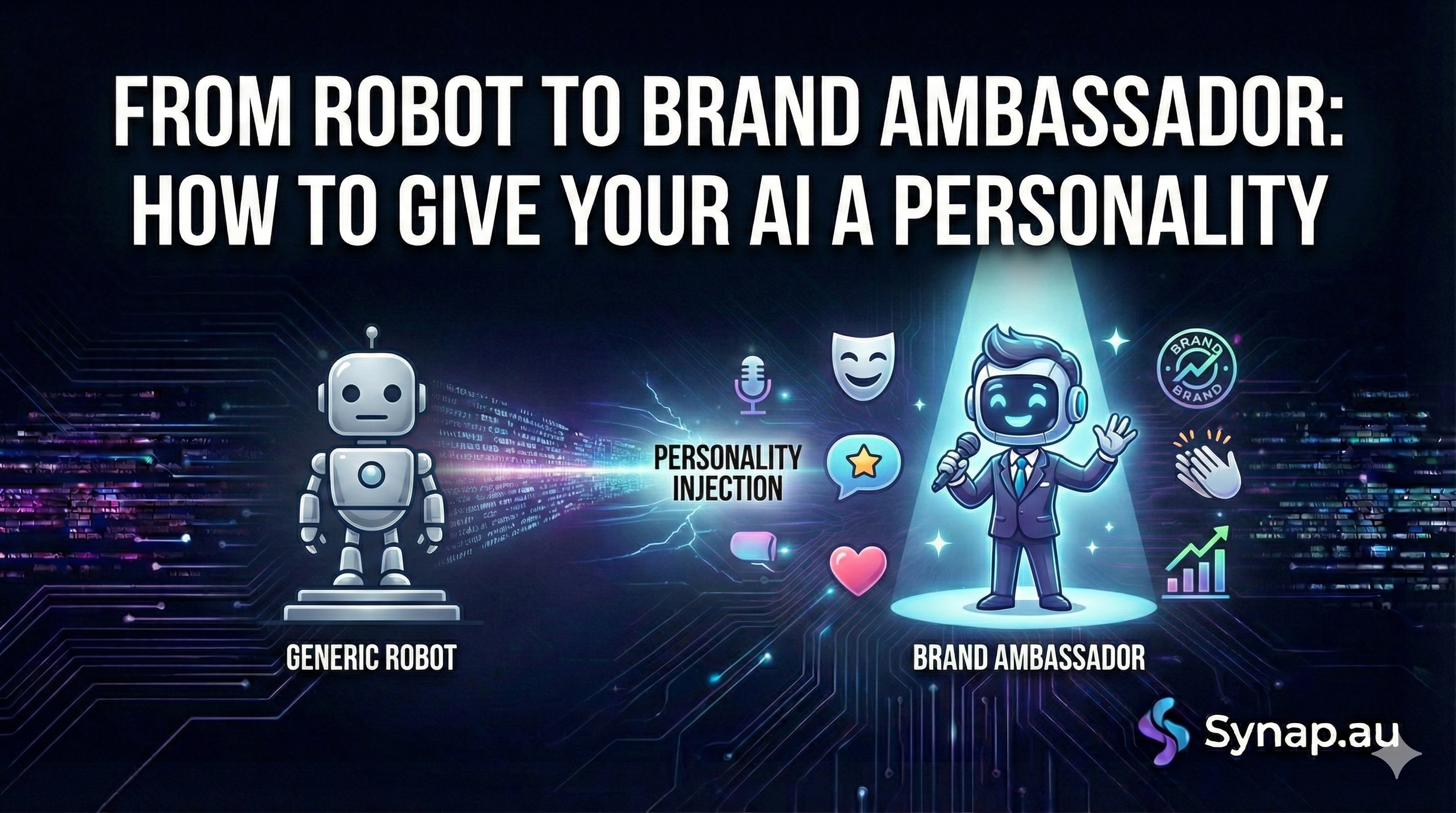
We have all interacted with that kind of chatbot.
You ask a question, and it replies: "I am sorry, as an AI language model, I cannot facilitate that request. Please provide further query parameters."
It’s dry, it’s boring, and it immediately reminds the customer that they are talking to a machine.
At Synap, we believe your AI agent shouldn't just be a database retriever; it should be an extension of your team. If your brand is fun and youthful, your agent shouldn't sound like a lawyer from the 1950s. Conversely, if you run a funeral home, you definitely don't want an agent that uses "🔥" emojis.
Giving your agent a personality—or "Voice"—is one of the quickest ways to build trust and engagement. Here is how to take your agent from a cold robot to a true brand ambassador.
1. Adjectives are your best friend
The easiest way to change your agent's vibe is to load your System Prompt with descriptive adjectives.
When you tell the agent "You are a customer service assistant," it defaults to a neutral, slightly robotic tone. Try adding 2-3 adjectives to define the style:
-
For a Gym or Personal Trainer: "You are an energetic, motivating, and high-energy coach. Use exclamation marks to show excitement."
-
For a boutique Law Firm: "You are professional, discreet, and empathetic. Use formal language and avoid slang."
-
For a local Café: "You are warm, friendly, and casual. Speak like you are chatting to a local over a coffee."
2. Control the Length and Format
Personality isn't just about word choice; it’s about rhythm.
If your brand is efficient and tech-focused (like a SaaS platform), you probably want short, punchy answers. If you are a counsellor or a non-profit, you might want longer, softer paragraphs.
You can explicitly instruct your Synap agent on how to structure its replies:
-
"Keep answers under 50 words. Be concise."
-
"Use bullet points for every answer to make it easy to read."
-
"Feel free to use emojis (👋 🚀) to lighten the mood."
3. The "Persona" Trick
Sometimes, the best way to get the right tone is to tell the AI to act like a specific job role. This taps into the AI's training data regarding how those people usually speak.
-
Instead of "You are a bot," try: "You are a concierge at a 5-star hotel. Be extremely polite and offer to go above and beyond."
-
Try: "You are a senior engineer. Be technical, precise, and dry."
Real-World Examples
Let's look at how the exact same answer changes based on the personality settings.
The User Asks: "Where is my order?"
The "Default" Robot:
"I can help with that. Please provide your order number and I will search the database to locate your shipment status." (Boring. Functional.)
The "Gen Z / Trendy Brand" Agent:
"Oh no! Let's track that down for you ASAP 🕵️♀️. What's your order number? We'll get this sorted." (Engaging. High energy.)
The "High-End Luxury" Agent:
"I would be delighted to assist you in locating your purchase. Could you kindly provide your order reference number so I may investigate this immediately?" (Polite. Elevated.)
A Warning: The "Uncanny Valley"
While it is fun to experiment, be careful not to overdo it.
We often see users try to make their agent "funny" or "sarcastic." While a pirate-themed chatbot ("Ahoy matey! Where be yer order?") is funny for the first 10 seconds, it becomes incredibly annoying when a customer actually has a problem and just wants a straight answer.
The Golden Rule: Clarity comes first. Personality comes second.
Summary
Your website has a design style, a colour palette, and a logo. Your text has a "voice." Your AI agent should match that voice perfectly.
Take 5 minutes today to tweak your System Prompt. Add a few adjectives, define a persona, and watch your agent transform from a tool into a team member.